Free AI Interactive Walkthrough Builder
Record any workflow and Supademo's AI walkthrough generator creates a clickable, guided interactive walkthrough with AI annotations, hotspots, and voiceovers. Build website walkthroughs or app walkthroughs and embed in your app, help center, or share via link.
Build interactive walkthroughs in minutes. Free to start.
Try free walkthrough builderTrusted by 200,000+ top operators and 3,000+ paying organizations


How to create an interactive walkthrough with Supademo
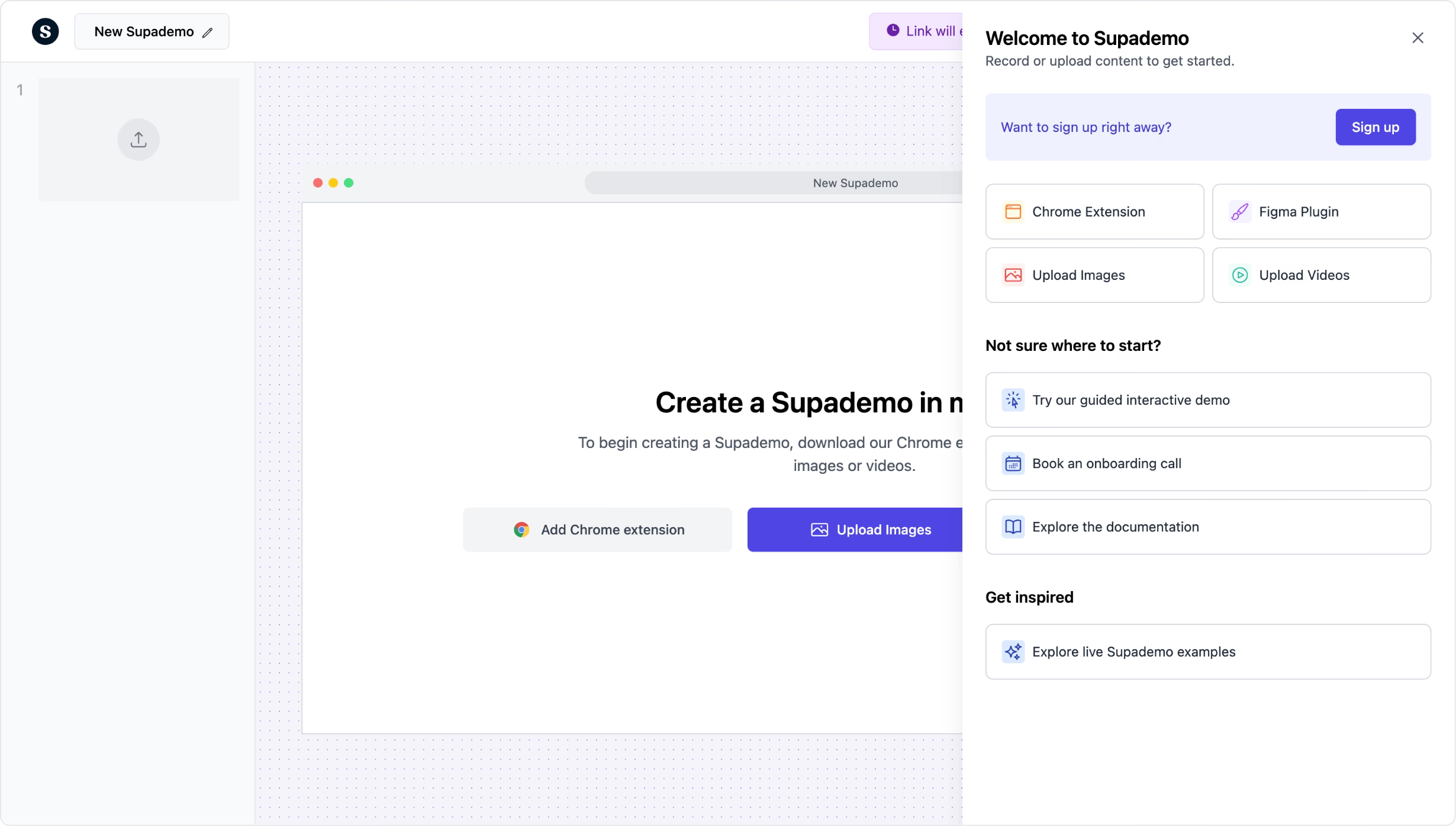
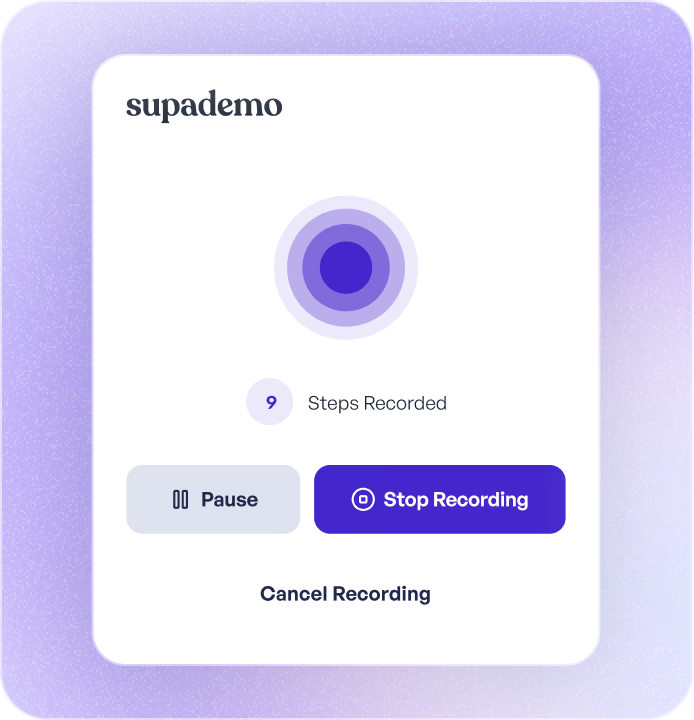
Record your workflow
Open the Supademo Chrome extension and click through any process. Each click becomes a walkthrough step with auto-generated text descriptions and highlights.
Customize with AI annotations and hotspots
Add AI voiceovers, clickable hotspots, zoom effects, and conditional branching. Blur sensitive data and tailor the walkthrough for different audiences without re-recording.
Embed, share, or export
Publish as a shareable link, embed in your website or knowledge base, or export as PDF, GIF, or video. Track views, completion, and drop-off for every walkthrough.

What makes Supademo's interactive walkthrough builder different
Works outside your product, not just inside it
In-app walkthrough tools like Pendo, Whatfix, and WalkMe only work when users are logged in. Supademo walkthroughs can be embedded anywhere — perfect for product walkthroughs, interactive product walkthroughs, marketing pages, help centers, emails, and sales outreach. They work before, during, and after the user signs up.
How Supademo walkthroughs work everywhere →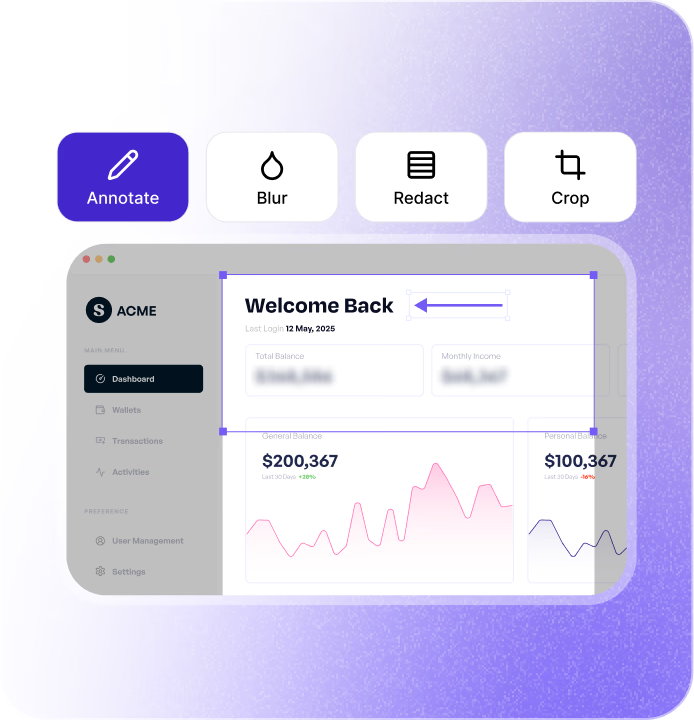
AI generates the content while you click
Record your screen and Supademo's AI writes step descriptions, suggests annotations, and structures the walkthrough automatically. Unlike Navattic or Storylane, you do not need to manually configure every tooltip and callout from scratch.
How AI walkthrough capture works →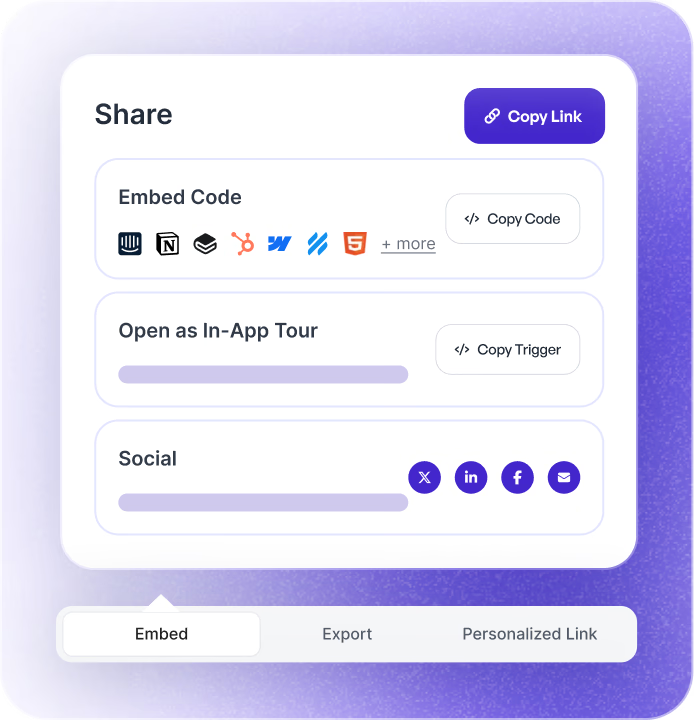
Analytics show where users get stuck
Track which steps users complete, where they hesitate, and where they drop off. Use step-level analytics to improve your walkthrough over time. Connect to HubSpot or Salesforce to see which walkthroughs influence pipeline.
How walkthrough analytics work in Supademo →Why we built Supademo's interactive walkthrough builder

“ProcessMaker lifted lead generation by 15% after replacing live demo calls with self-serve walkthroughs. People evaluate first and book when ready. Per our 2026 research, 63% of interactive demo viewing sits in onboarding, so the walkthrough works before and after signup. Supademo's AI walkthrough generator covers both.”

“Customers kept telling us their bigger walkthrough need is the moments before someone signs up. I built Supademo's walkthrough builder as a standalone embed. The same walkthrough that runs inside the app also runs on a marketing page, an email, or a help doc. You build it once and use it everywhere.”
How teams use Supademo's interactive walkthrough builder
Send walkthroughs that sell while you sleep
Share interactive walkthroughs with prospects so they can explore your product on their own time. Track which features they clicked and use that insight to personalize the next conversation.
Supademo for Sales & Enablement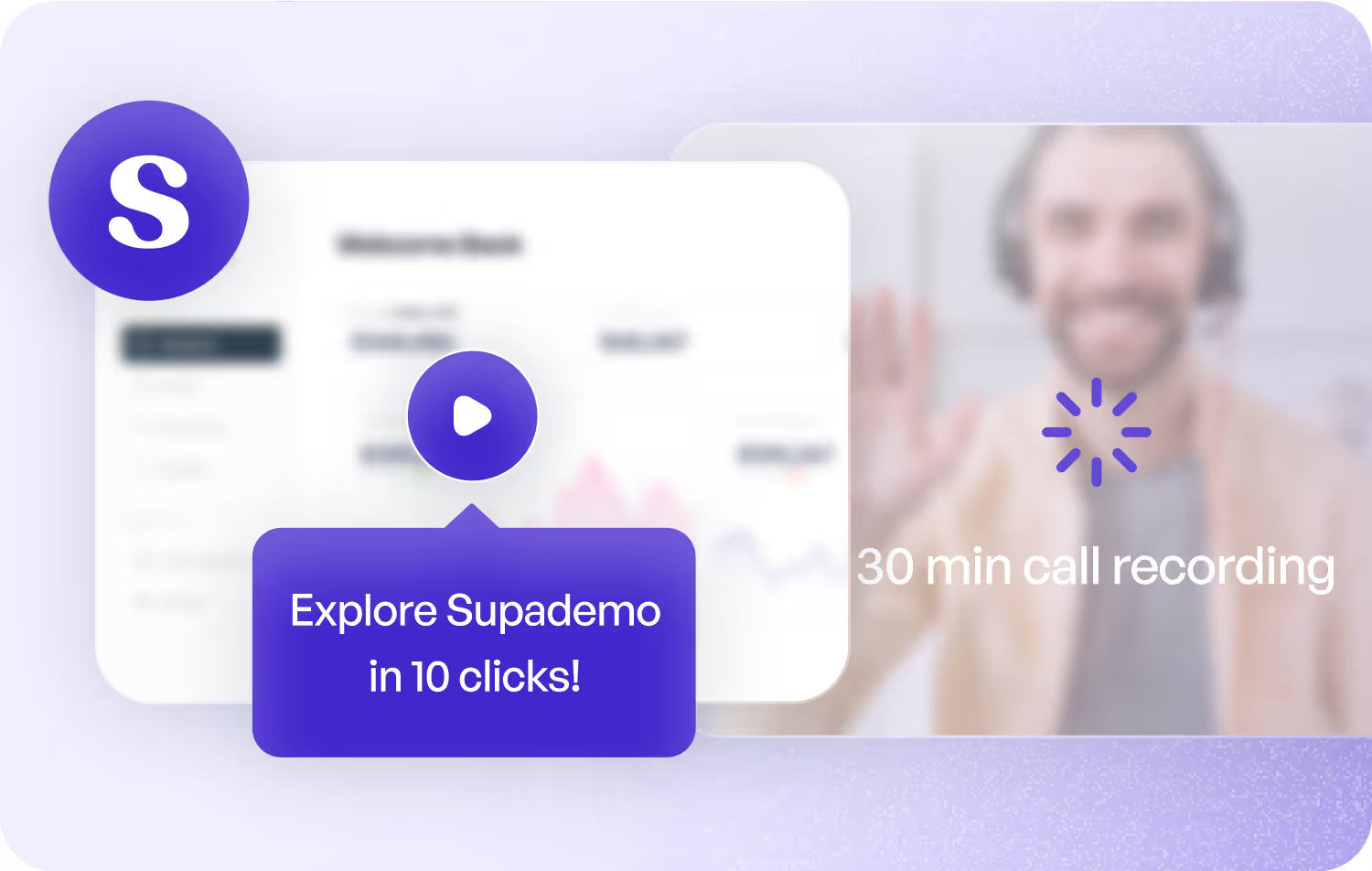
Turn landing pages into product experiences
Embed interactive walkthroughs on your website so visitors can experience your product before signing up. Higher engagement than screenshots, more scannable than video.
Supademo for Marketing & Growth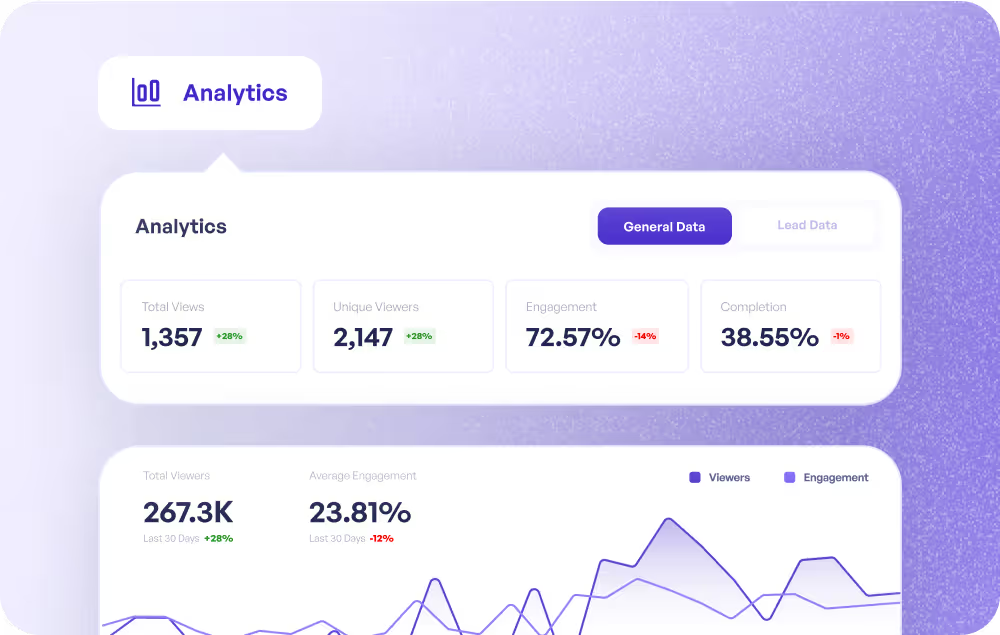
Guide customers through complex workflows
Build walkthroughs for multi-step processes so customers can follow along at their own pace. Reduce back-and-forth by pointing customers to the right walkthrough instead of writing a custom reply.
Supademo for Customer Success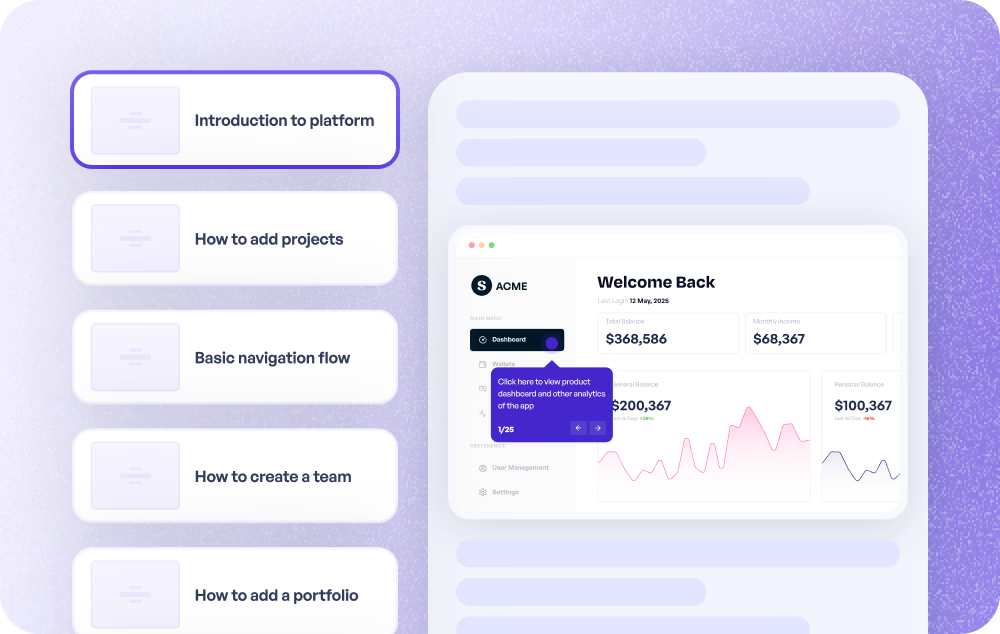
Visual answers that deflect tickets
Embed walkthroughs in your help center so customers get step-by-step visual guidance instead of filing a ticket. Update walkthroughs when the product changes and every link stays current.
Supademo for Support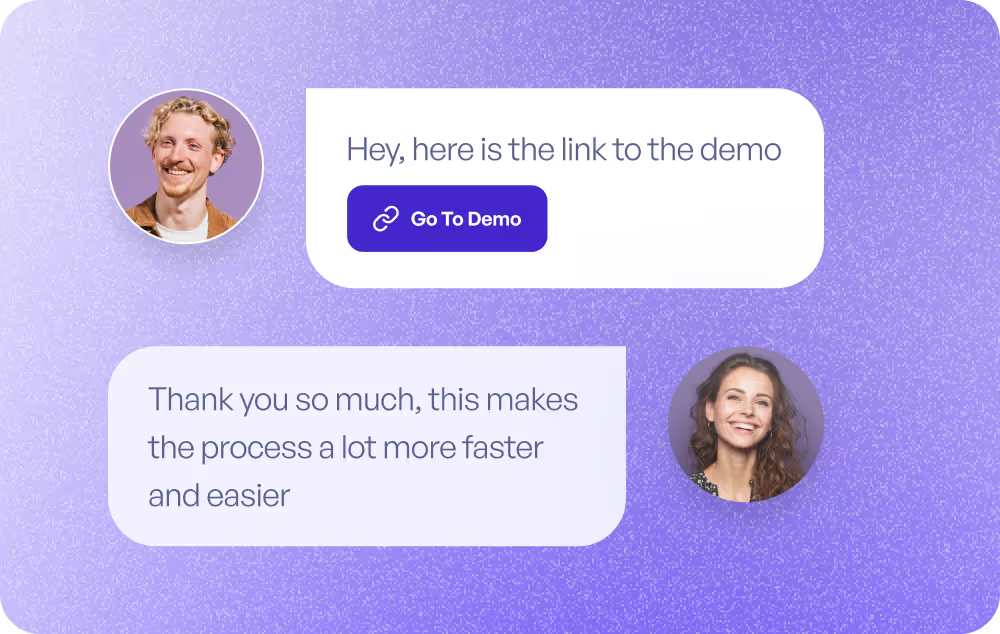
Communicate feature changes without a webinar
Create walkthroughs for new features and share them in-app, via email, or in your changelog. Users see exactly what changed and how to use it, at their own pace.
Supademo for Product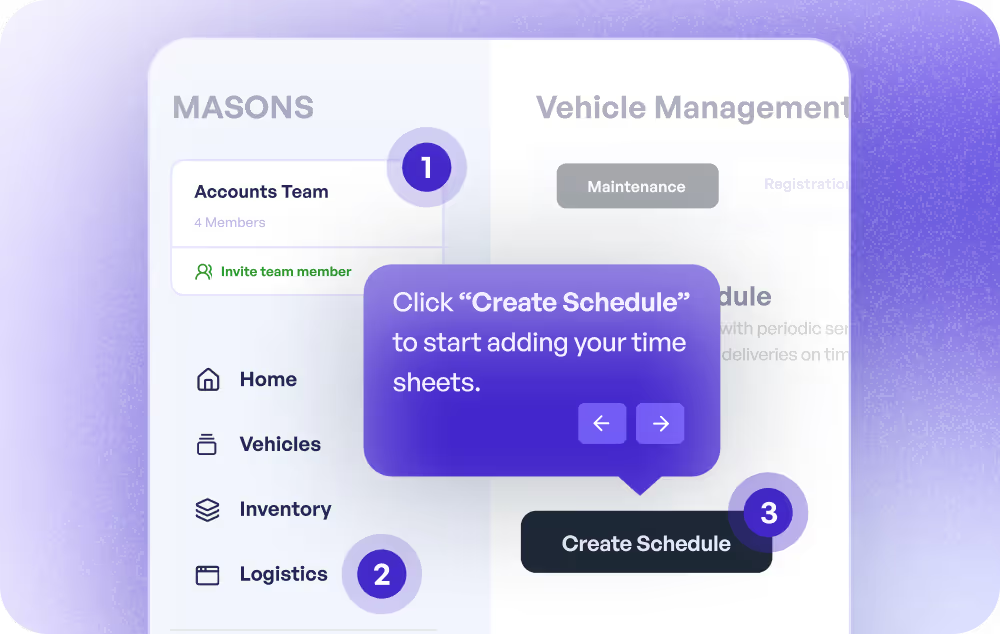
Interactive walkthroughs that replace live training sessions
Build self-paced walkthrough-based training that employees complete on their own. Track who finished, where they got stuck, and which topics need better coverage.
Supademo for Training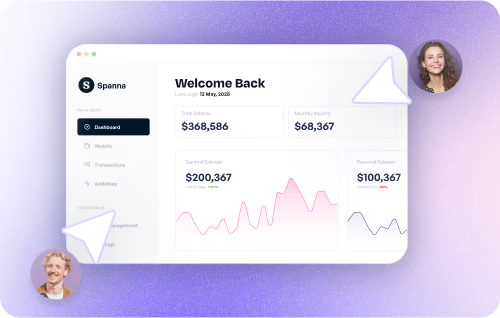
How do sales teams use interactive walkthrough builders?
Sales teams share interactive walkthroughs with prospects to demonstrate product value asynchronously, shortening sales cycles and warming up leads before live calls.
How do marketing teams use interactive walkthrough builders?
Marketing teams embed interactive walkthroughs on landing pages and feature pages, converting more visitors by letting them experience the product before they sign up.
How do customer success teams use walkthrough builders?
CS teams create interactive walkthroughs for complex workflows, reducing support burden and helping customers self-serve through multi-step processes.
How do support teams use interactive walkthroughs?
Support teams embed interactive walkthroughs in help centers and knowledge bases, providing visual answers that deflect tickets and reduce resolution time.
How do product teams use interactive walkthrough builders?
Product teams create walkthroughs for new feature announcements, helping users understand and adopt changes without relying on release notes or webinars.
How do training teams use interactive walkthroughs?
Training teams replace live sessions with interactive walkthroughs that employees complete at their own pace, with built-in tracking for completion and engagement.
Explore Similar Free Tools
Frequently asked questions
Common questions about Supademo’s interactive walkthrough builder. Have others? Reach out and our team will be happy to help.
Who needs an interactive walkthrough builder?
An interactive walkthrough builder creates clickable, step-by-step guides that users navigate at their own pace. Unlike passive videos or static screenshots, interactive walkthroughs let users click through real workflows. Supademo captures your screen and uses AI to generate each step automatically.
How do I build an interactive walkthrough with Supademo?
Open the Chrome extension and click Record while you walk through any workflow. Supademo auto-captures each click as a walkthrough step with AI-written descriptions. From there, add hotspots, branching, and voiceovers, then publish via link or embed.
How is Supademo different from Pendo or WalkMe for walkthroughs?
Pendo and WalkMe build in-app walkthroughs that only work when users are logged into your product. Supademo creates standalone interactive walkthroughs you can embed anywhere: marketing pages, help centers, emails, sales outreach. They work before, during, and after the user signs up. For a broader comparison, see our 12 Best Product Tour Software roundup (covers walkthrough builders too).
Can I personalize walkthroughs for different audiences?
Yes. Use conditional branching to create different paths based on viewer role, use case, or feature interest. You can also use dynamic variables to personalize names, company details, or custom text for each viewer.
What analytics do I get with Supademo walkthroughs?
Track views, completion rates, step-level engagement, and drop-off points. Identify viewers by email or UTM parameters. Integrate with HubSpot or Salesforce to connect walkthrough engagement to pipeline and revenue.
Can I embed interactive walkthroughs in my help center?
Yes. Embed via iframe or JavaScript snippet in any help center, knowledge base, or documentation site, knowledge base, or website. The walkthrough renders inline and updates automatically when you make changes. No re-embedding required.
Is Supademo's interactive walkthrough builder free?
Yes. The free plan includes unlimited views, link sharing, and basic analytics. Paid plans add unlimited walkthroughs, custom branding, team workspaces, SSO, CRM integrations, and advanced analytics. All paid plans include a free trial.
How do I create a website walkthrough or guided app walkthrough?
Record any website or app workflow with Supademo's Chrome extension. The interactive walkthrough builder turns your recording into a clickable, guided website walkthrough or app walkthrough that viewers navigate at their own pace. Publish as a shared link, embed in your help center, or distribute via tracked URL.
How do I build my first interactive walkthrough for free?
Install the Supademo Chrome extension, click record on the workflow you want to document, and AI auto-generates clickable steps. Then publish as a shareable link or embed on your site. The free interactive walkthrough builder requires no code, no credit card, and supports unlimited walkthroughs.
How do I build a website walkthrough without code?
Install a Chrome extension, click record on the pages or flows you want to capture, then publish the walkthrough as a shareable link or embed. No developer required. The interactive walkthrough builder generates clickable hotspots automatically — you can edit copy and reorder steps anytime.
What does an AI walkthrough generator do for SaaS apps?
An AI walkthrough generator records your product screens, uses AI to write each step, and supports branching for different user personas. Supademo's AI walkthrough generator handles desktop and mobile flows, and the free plan supports unlimited walkthroughs.